You open Google Search Console. There are four numbers, several tabs, and a line going somewhere. It is easy to spend half an hour looking concerned without deciding what to do.
A useful review ends with a business question answered or a specific task assigned. Here is how to read Google Search Console with that goal in mind, using the Search results Performance report as your starting point.
Start with the right property and a useful question
Check that you are viewing the correct website property, especially after a domain change. Choose one question: Are our main service pages getting relevant visits from Google? Which customer questions are showing up? Did a recent site change coincide with a problem?
For an ordinary review, use a consistent monthly routine. Google’s Search Console introduction says daily sign-ins are unnecessary and suggests checking around monthly or after content changes. Significant alerts or a sudden business-critical issue deserve attention sooner.
Write the question at the top of your notes. It gives the report a job and prevents an interesting side trail from becoming the entire morning.
Understand what the four main numbers measure
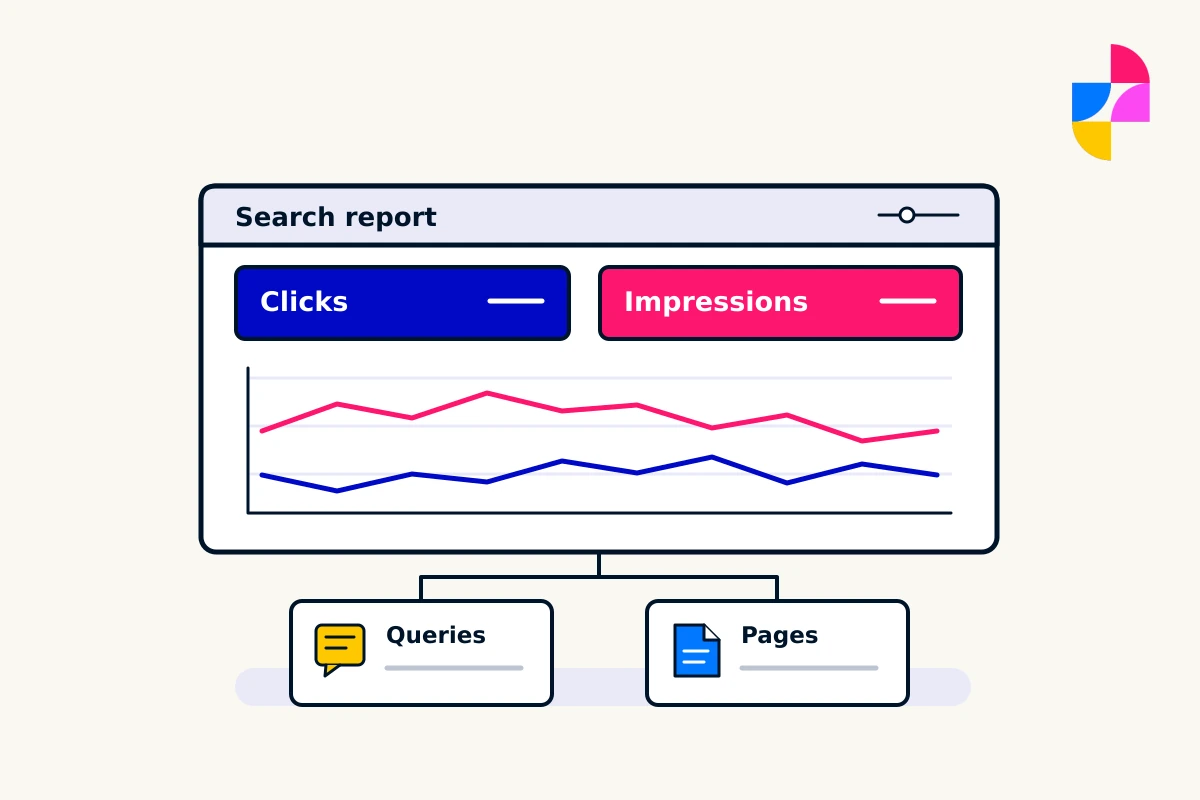
Clicks record clicks through from Google Search. Impressions describe how often links or content from your site were shown, with counting rules that vary by search feature. CTR is clicks divided by impressions. Average position summarizes position across the results being measured.
Read Google’s metric definitions when a particular search appearance matters. These are search-performance measures. They are not a count of customers, booked jobs, or revenue.
A higher impression count might mean more relevant people are encountering your business. It could also include a broader mix of searches that rarely lead to your service. Ask what changed underneath the total before calling it a success.
Compare like with like
Choose comparable periods and keep the search type, country, and device filters consistent. A complete month and a few days of the next month answer different questions. For a seasonal business, the same period a year earlier can add useful context when that history is available.
The Performance report guide explains the filters and dimensions. Its newest data can be preliminary, so avoid treating the latest partial numbers as a finished result.
Record what you compared. “Traffic is down” is difficult to act on. “Clicks to our three main service pages were lower in September than August, using the same filters” gives someone a specific starting point.
Look at pages before getting lost in queries
Open the Pages view and find the pages that matter to your business. Review each important service page alongside useful supporting articles. Do the pages receiving clicks lead people toward a service you actually provide?
Then filter to one page and look at its queries. A service page attracting unrelated searches may need a closer content review. A genuinely useful customer question could deserve a clearer answer on an existing page.
Do not turn every query into a new article. First read the page that already addresses it. Our service-page structure guide helps you check whether the right information is already there. Several near-identical pages can create more maintenance without giving customers anything new.
Treat average position as context
A site-wide average can change when your site appears for a different mix of queries. A small movement does not prove that every important page has improved or declined. Look at the relevant page and query group before making a decision.
Google’s traffic-drop guidance recommends considering patterns, affected pages, and seasonality. If you see a sudden, sustained drop, check whether it affects one page, a group, or the whole site. Review indexing issues and recent website changes as part of the investigation.
A report can tell you where to look. It rarely proves the cause by itself. Keep “we observed this” separate from “we think this caused it.”
Connect search activity with real inquiries
Search Console helps explain what happened in Google Search. To assess what visitors did afterward, use appropriately configured website analytics and your own inquiry records. Even then, tracking can be incomplete. Keep privacy choices and measurement limitations in mind.
For example, more visits to a service page are encouraging, but you still need to know whether inquiries are relevant and whether your contact route works. A contact-form test can catch an operational problem that a search report will not explain.
Ask the people answering calls or emails what customers are asking. Their observations can help you interpret patterns without pretending every customer journey is traceable.
Leave with a short action note
Use this simple review format:
- Question: What business question did we investigate?
- Evidence: Which pages, dates, and filters did we examine?
- Observation: What changed, without guessing why?
- Next step: What will we check or improve?
- Owner and review: Who handles it, and when do we assess it again?
An example next step could be checking whether a service description still matches the work you offer. Another could be investigating an indexing warning after a site update. “Get more traffic” is an ambition, not an assigned task.
Make the reporting useful
Imbark’s small business SEO services bring page improvements, helpful content, internal links, and performance review into one practical plan. We focus on what needs attention and what the available evidence can actually tell us.
Send us your website and the question you want answered. You do not need to arrive with a spreadsheet full of conclusions.