Your website may still be describing the business you ran six months ago. Services change, people move on, and a temporary notice becomes surprisingly permanent. A year-end website content audit gives you a practical way to find those loose ends before January.
The goal is a short, usable update plan. Start with the information customers rely on, decide what each page needs, and assign the work. You do not need to rewrite every sentence or make the website look newly published.
Start with pages that affect real decisions
List the main pages and give each a purpose: explaining a service, answering a question, supporting an inquiry, or providing an existing customer with information. Begin with the homepage, services, contact details, frequently asked questions, and any pages linked from active campaigns.
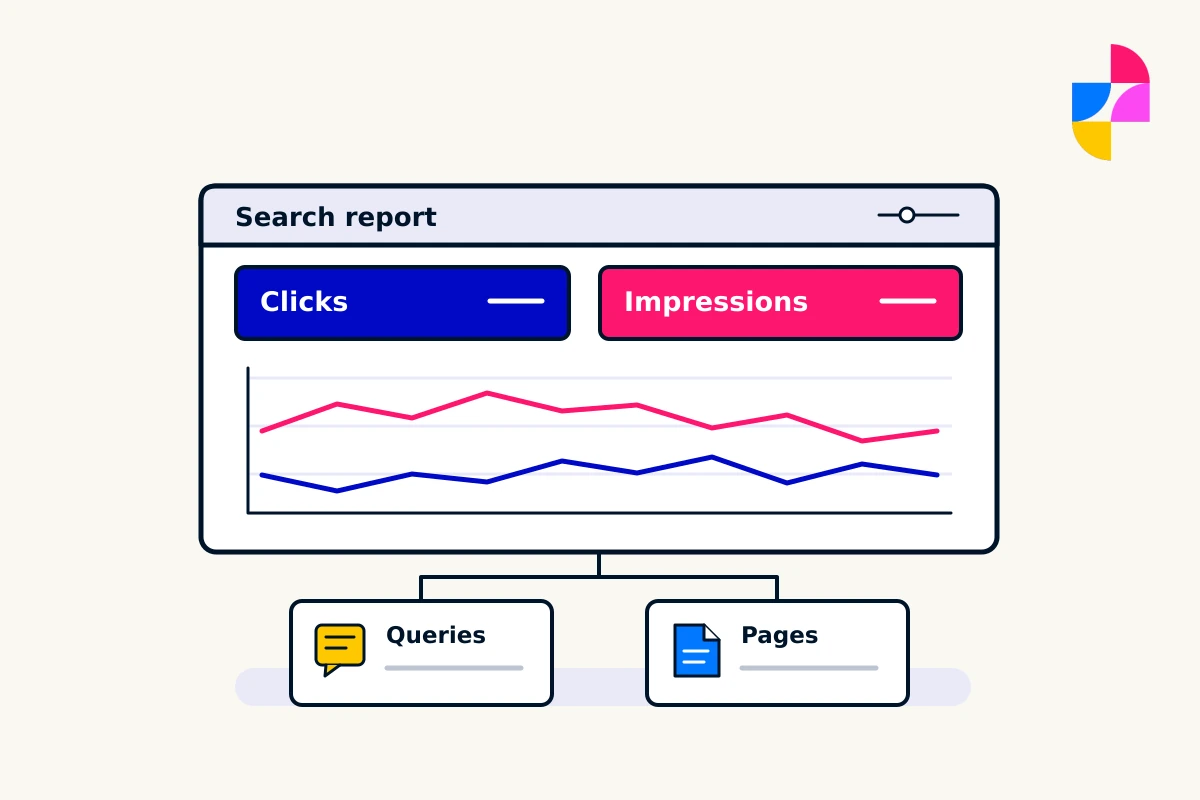
If you have analytics or search data, use it to identify pages people visit and questions that lead them to the site. Treat those numbers as evidence alongside business importance. A low-traffic page may still provide essential instructions to a small group of customers.
Use one row per page in your working list: URL, purpose, issue, proposed action, owner, priority, and target date. Add an approval field if someone else needs to verify the facts.
Look for specific signs of outdated content
Business details and availability
Check opening hours, contact routes, locations, service areas, and team details. Review holiday notices and any dates attached to offers or events. If January availability is still undecided, assign someone to confirm it rather than filling the gap with a guess.
Services and expectations
Compare the website with what you currently deliver. Look for discontinued services, outdated package descriptions, old turnaround statements, and claims your team can no longer support. If pricing appears on the site, have the responsible person verify it and any conditions before changes are published.
Supporting material
Open downloadable guides, brochures, menus, and forms. These often retain old details after the main page is updated. Review images, captions, team biographies, testimonials, and project descriptions for accuracy and appropriate permission to remain in use.
Instructions and next steps
Follow the route a visitor is asked to take. Does the button go to the right place? Does the form request information the team still needs? Does the confirmation message explain what happens next? Add any broken or confusing step to the action list.
Give each page a clear decision
Choose one primary action so the audit turns into manageable work.
- Keep: the page is accurate, useful, and serves a clear purpose. Record that it was reviewed.
- Update: the purpose is still right, but specific facts, wording, assets, or next steps need attention.
- Combine: overlapping pages would better serve readers as one useful page. Decide which address will remain and what content deserves to carry forward.
- Retire: the page no longer has a useful role. Check who still relies on it and what should happen when someone visits its address.
Do not delete pages simply because they are old or quiet. A historical announcement may be worth retaining with clear context. An expired offer may need a helpful explanation for people who still have its link.
If content moves, ask your website provider to plan the address changes and redirects. Google advises against redirecting unrelated old pages to a single irrelevant destination. When a page genuinely has no replacement, ask the provider to handle its removal appropriately rather than sending every visitor to the homepage.
Update the information, not just the date
Changing “2026” to “2027” is useful only when the content genuinely applies to the new period. Recheck the underlying advice, examples, screenshots, and references first.
Google’s people-first content guidance warns against changing dates to imply freshness without substantial content changes. A newer date by itself is not a meaningful content improvement. Keep publication and update dates honest, and spend the effort on the answer a reader came for.
Turn findings into a prioritized action list
Prioritize by consequence and dependency. A wrong contact route deserves attention before a paragraph you would merely like to polish.
Here is a hypothetical list for a service business:
- Fix first: correct the contact-page inquiry destination. Owner: business administrator. Complete when a labeled test reaches the approved inbox.
- Confirm before the holiday period: publish approved closure and reopening details wherever hours appear. Owner: operations lead. Complete when the page and downloadable guide agree.
- Update before January inquiries: remove a discontinued service from its page, navigation, and inquiry choices. Owner: service lead. Confirm the treatment of the old page with the website provider.
- Improve next: combine repeated questions into one clearer FAQ page and update links to it. Owner: content lead. Complete after content and link review.
Add actual dates and named owners to your version. Separate work waiting for a business decision from work ready to implement. That prevents an unresolved service question from holding up an unrelated correction.
Check the edited pages in context
Read each updated page from top to bottom, then open it on a phone. Check the menu, headings, buttons, forms, and linked files. Confirm that the page title and description still reflect what it contains.
Review image alternatives and heading structure as part of the content pass. W3C’s accessibility checks are a useful starting point, while making clear that a quick review is not a complete accessibility assessment.
Record the completed change and who checked it. Give date-sensitive content a next review date based on when its facts may change, rather than waiting for another year-end cleanup.
Make room for the updates that matter
Imbark provides ongoing content updates and website troubleshooting. If the audit reveals a bigger structural problem, our website planning resources can help you organize the next conversation.
Send us your website address and the highest-priority items from your audit. Include the approved replacement information and your target dates so we can discuss what needs doing before January.