A booking calendar, live chat, customer portal, and large resource library can all sound useful in a website proposal. Each one also needs a clear purpose and someone to keep it useful.
The best small business website features are the ones that fit how your customers and business actually work. Before choosing tools, separate what the first version must do from what might be helpful later.
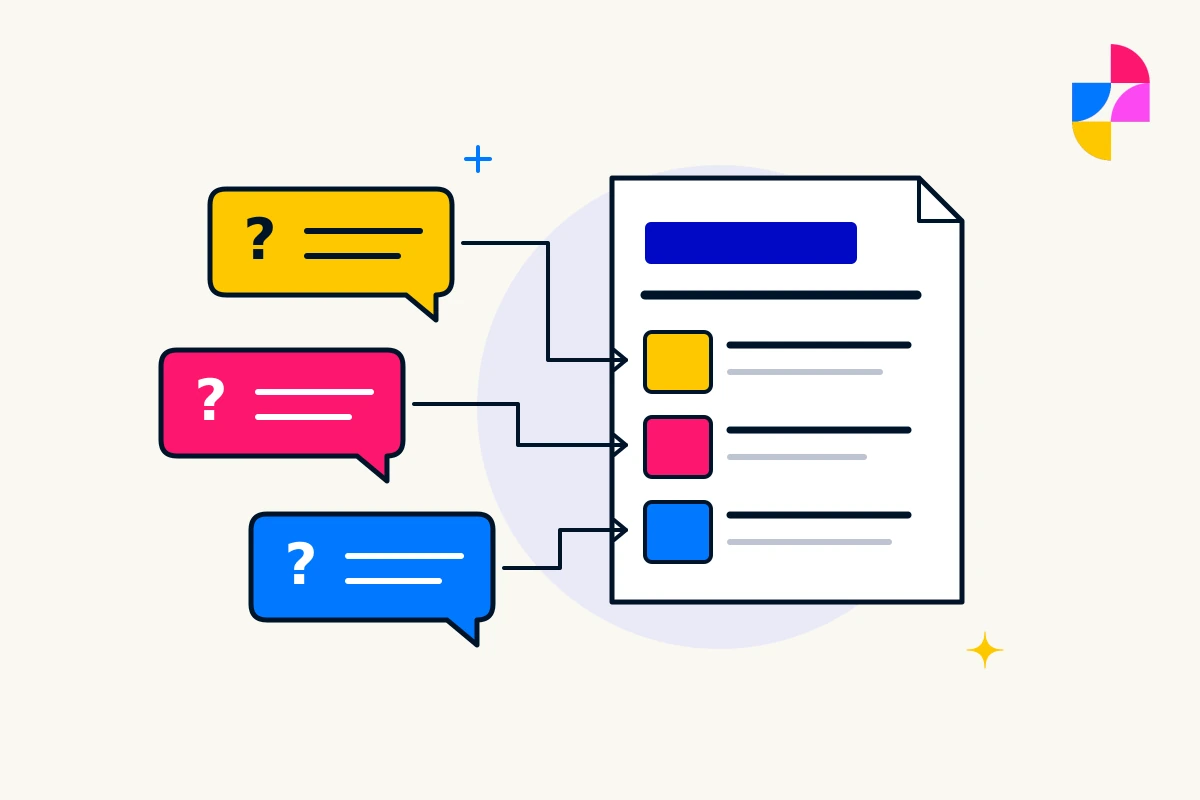
Start with the customer task behind the feature
Write the need as a sentence before naming software. For example:
- “Customers need to know whether we provide this service in their area.”
- “Customers need to explain a job before we can give an estimate.”
- “Returning customers need to find the current care instructions.”
The first need may call for clear service information. The second may need an inquiry route with a few useful questions. The third may need an easy-to-find page or document. None automatically requires a portal.
Basic content, readable layouts, and a dependable next step should not disappear behind a long list of optional features. Our service-page guide covers how to make the offer understandable before adding more functionality.
Use three groups: needed now, useful later, and unproven
Put a feature in “needed now” when a real customer or operational requirement depends on it. “Useful later” means the need is understood, but the first version can support the work another way. “Unproven” means someone likes the idea, but the job it would do is still unclear.
Here is a fictional example for a repair business:
- Needed now: explain the repairs offered, show the actual service area, and accept an inquiry the team can answer.
- Useful later: appointment selection, once the team has decided how availability and job length will be managed.
- Unproven: a customer account area when no one has identified what customers would need to do there.
That is a prioritization example, not a universal feature list. A different business may need online booking from day one.
Ask what each feature creates behind the scenes
Before approving a function, answer four questions:
- Who receives or manages the information?
- What happens when the function fails or the responsible person is unavailable?
- What ongoing fees, updates, content, or third-party accounts are involved?
- What customer information is genuinely needed, and how will it be handled?
A live-chat box creates an expectation of a response. A calendar needs accurate availability. A library needs current documents. Include that ongoing work in the decision instead of treating installation as the finish line.
Define how you will know the feature works
Give the feature a simple acceptance condition. For an inquiry route, a customer should understand what to enter and what happens next, and the business should receive the information it needs. The contact-form testing checklist walks through the delivery checks.
Ask for review on the devices and input methods customers may use. A feature that appears in a screenshot still needs to work in context. For accessibility considerations, the W3C’s design guidance covers matters such as clear form labels and identifiable controls.
Keep future additions in view without buying them all now
Share likely future requirements during planning. A later integration may affect today’s platform or structure, even if it is not part of the initial build. Ask what can be added, what remains uncertain, and what would need a separate scope.
Imbark’s custom web design starts with business goals, brand, and audience. Bring the customer tasks and priorities to that conversation. For a new feature on an existing site, discuss the change through website support rather than assuming it is included in the current arrangement.