A website redesign gets much easier when the content has an owner, a location, and a clear status. “We have all that somewhere” is a starting point. It is not quite a handoff.
Before layouts are approved, gather the information your new website will need to use. This website content checklist before a redesign covers existing pages, service details, images, supporting evidence, and sign-off. You can work through it with a shared folder and a simple content list.
Start with an inventory of what already exists
List your current public pages and downloads. For each, record its web address, purpose, current owner, and what should happen to it: keep, revise, combine, or remove. Include pages that are missing from the main menu but still appear in old emails, directory listings, or campaign links.
Write a short reason beside each decision. “This service is no longer offered” is useful. “Feels old” needs more investigation. A dated-looking page may contain information customers still need.
Keep the original addresses in the inventory even if you want new ones. If URLs change, your website team needs a mapping from old pages to appropriate destinations. Google’s site-move guidance specifically includes preparing this mapping. Content decisions provide the raw material; your developer handles the implementation.
Gather the business facts that need to be right
Create one approved reference for details repeated across the website. This keeps the contact page, footer, and service pages from telling slightly different stories.
- Business name and the wording you use to describe the business.
- Public telephone number, email address, location details, and service area.
- Current opening or contact hours, where relevant.
- Names and roles that should appear publicly, with approved biographies.
- Current service names, availability limits, and customer eligibility.
- Any approved pricing, terms, policies, or required notices already used by the business.
Mark uncertain information as “needs confirmation.” A blank with an owner is safer than a confident guess that finds its way onto the live site. For legal or regulated wording, identify the person qualified to approve it rather than asking your designer to improvise.
Build a content packet for each service
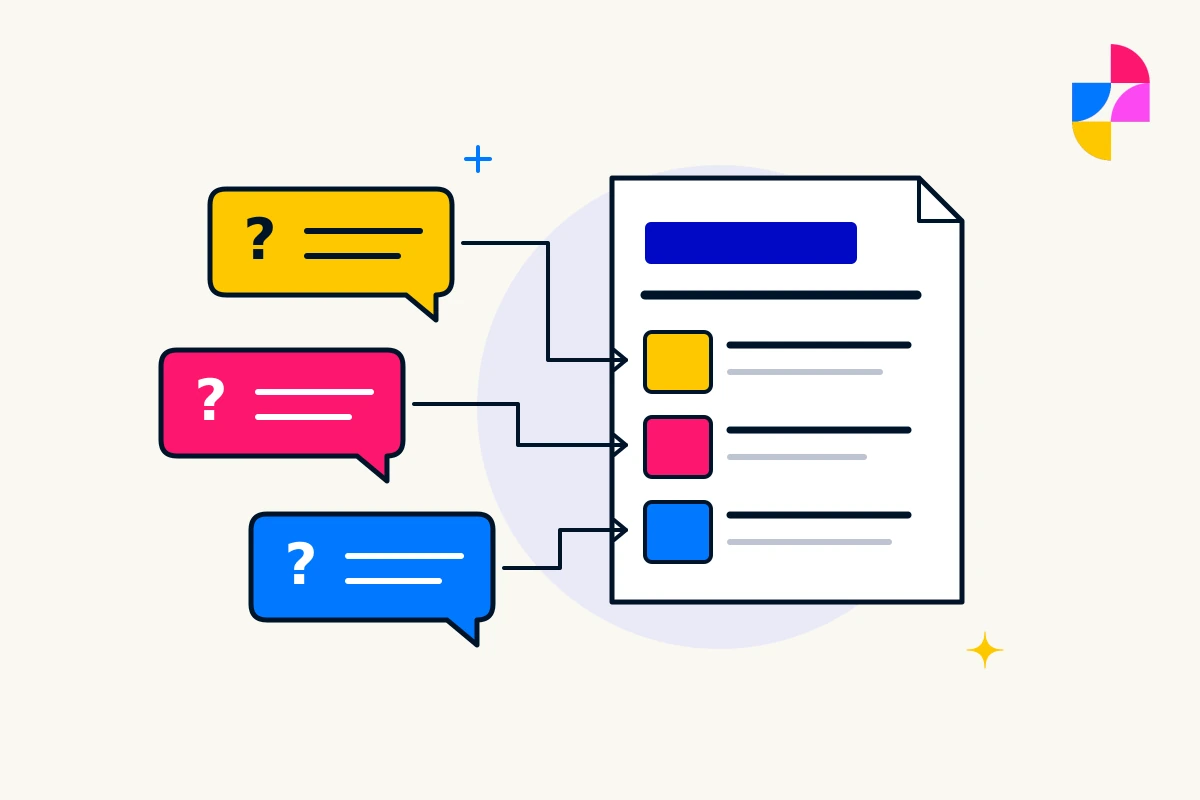
Give each planned service page a short, separate packet. Start with what customers ask before they agree to a job: what you do, who it is for, what is included, what you need from them, and what happens after an inquiry.
Add boundaries. Does a cleaning service cover occupied offices but exclude hazardous materials? Does a consultant offer an initial assessment before quoting a larger project? Those details help the writer describe the actual service.
Gather useful source material such as existing brochures, approved proposal wording, and common questions. Remove private customer information from examples. Explain which statements are current; an old proposal is evidence of what you once offered, not automatic permission to offer it again.
Flag missing content early. If nobody has written the new service description, give that task a name and a deadline in your content list. Imbark’s custom web design service starts with understanding your business and audience, so accurate service information is a practical place to begin.
Collect usable images and the permission to use them
Put original logo files, brand guidance, and available photographs in clearly named folders. Keep original images rather than relying on screenshots or copies pulled from a messaging app. Your website team can decide how to crop and prepare them for the page.
Beside each image, record what it shows, where it came from, and whether its intended website use has been approved. For commissioned photography or licensed assets, include the relevant usage information. Do not assume that paying for a photograph allows every possible use.
For project images, confirm what can be shown publicly. A customer address, vehicle registration, private document, or recognizable person may need attention before publication. If suitable photography is missing, say so. A specific gap is easier to solve than a folder of unrelated pictures.
Include a brief factual description with informative images. It helps the person writing alternative text understand the subject. W3C’s accessible writing guidance recommends text alternatives that communicate an image’s information or function. Final alt text should fit the image’s role on the page.
Separate supporting evidence from unapproved claims
Collect testimonials, qualifications, memberships, and project examples you are entitled to publish. Keep the source and approval status beside each item. Check that names, wording, and any time-sensitive details remain accurate.
A testimonial copied into a draft should retain the customer’s meaning. A project summary should identify what your business actually did. If you cannot support a result, leave it out until you can. Design does not make an unsupported claim more reliable.
Make approval a visible step
Choose one person to consolidate feedback and identify who can approve business facts, images, and policy wording. They may be different people. Record four useful statuses: not started, being prepared, ready for review, and approved for publication.
Use one current version of each page draft. Keep suggested changes separate from approved copy, and attach approval to a dated version. Otherwise, “approved” can refer to a document nobody is using anymore.
Run the final content handoff check
- Every planned page has an owner and a content status.
- Service descriptions and public contact details are confirmed.
- Images have originals, descriptions, and usage approval.
- Claims and testimonials have traceable sources.
- Missing items have an agreed next step.
- Someone is responsible for future content changes.
That last point matters after launch. New services and revised information still need a route onto the website; ongoing website support can help with updates as your business changes.
Preparing for a redesign? Send Imbark your current website address, the pages you expect to change, and what content you already have. We can discuss the website you need and the preparation still to do.