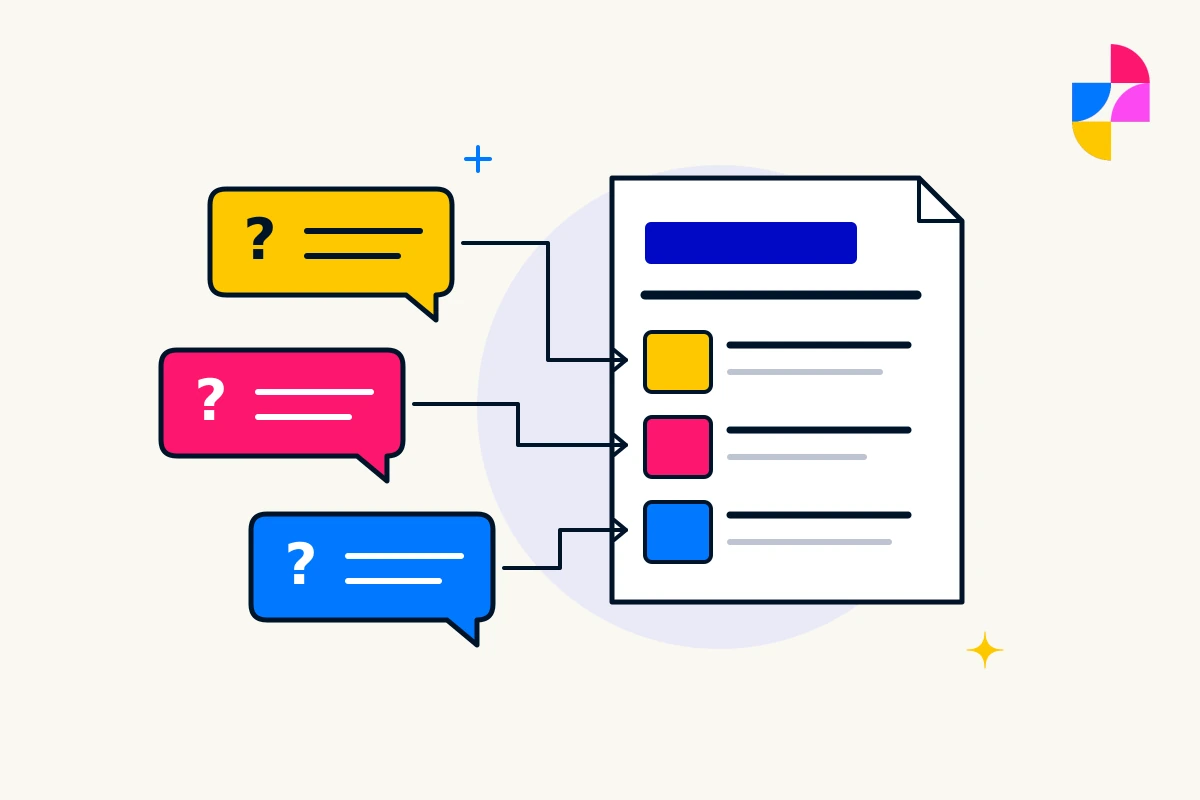
A website demo can look convincing with short headlines, matching photographs, and three neatly balanced services. Your business may have longer explanations, uneven amounts of content, and a service that needs its own structure.
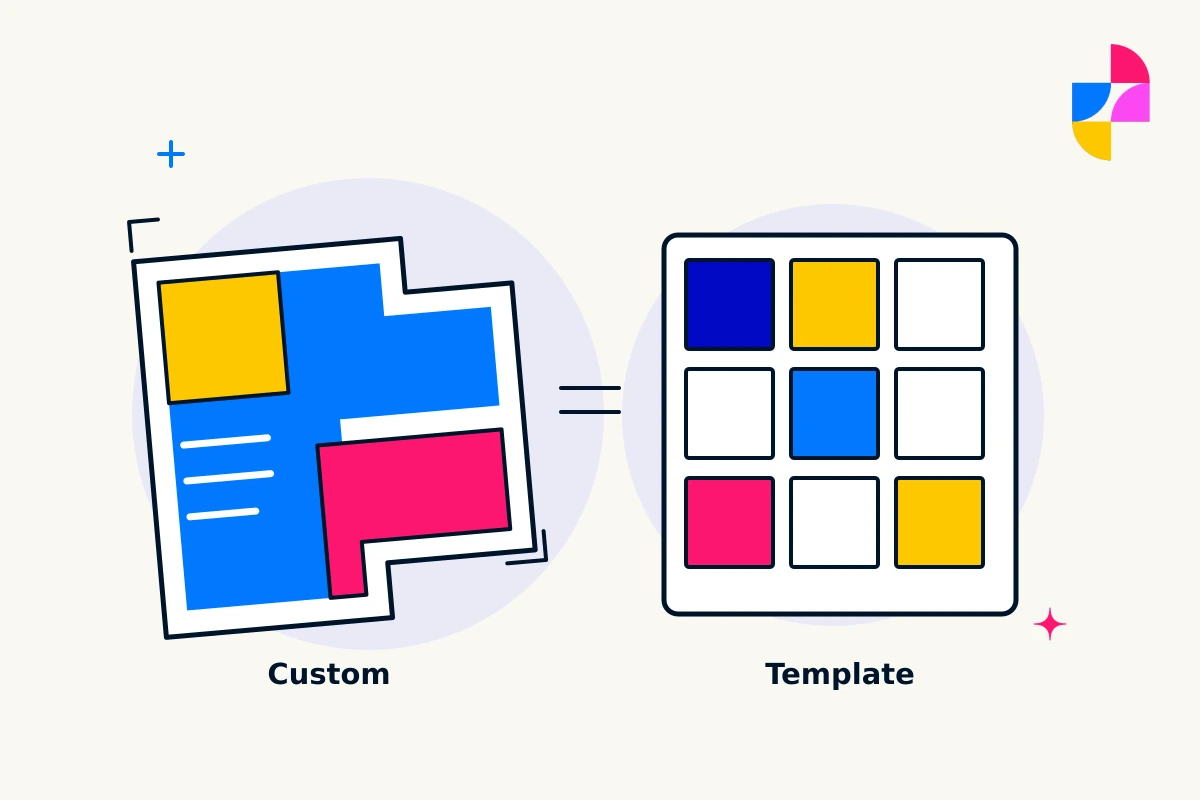
When comparing custom vs. template websites, start with that fit. Ask how each approach would handle your actual content and the changes you expect to make. The label alone does not settle the decision.
Ask what “custom” and “template” mean in the proposal
A template-led project begins with an existing design or layout. A custom design is shaped around the project’s requirements, but that does not mean every underlying component must be created from scratch.
For example, WordPress’s Template Editor documentation explains that templates control page layouts and can be edited or created with supported themes. A site can therefore use templates as part of a tailored design.
Ask the provider to show which parts are already established, which will be designed for you, and which are restricted by the proposed platform or arrangement. Avoid treating “custom” as a promise of unlimited changes or “template” as proof that nothing can change.
Try the structure with representative content
Choose a few pages that reveal different needs. Include a straightforward service, a service with important qualifications or exclusions, and a page with images or supporting examples. Use realistic text lengths rather than polishing copy to fit the demo.
Then ask:
- Can the page explain the offer in the order a customer needs?
- Can a section be removed, added, or moved without leaving an awkward gap?
- Can different services use different structures where the information requires it?
- What happens to long headings and uneven content on a smaller screen?
For a fictional training business, one course might need dates, prerequisites, and an application process, while another only needs a short description and an inquiry route. A layout that forces both into identical information slots deserves a closer look.
See the editing experience, not just the finished page
Ask for a demonstration of the changes your business expects to make. That might mean replacing a photograph, adding a service, or updating a section used on several pages.
Find out which changes your team can make through the editor and which need specialist work. Ask whether an edit affects one page or every page using a shared layout. WordPress’s documentation notes that template changes can affect all pages or posts using that template.
Make sure the person who will maintain the content can follow the workflow. A flexible system is useful only if the available editing controls and support fit the people using it.
Make the constraints visible before choosing
Ask the provider to explain the theme, builder, or other components the site will depend on. Confirm who can work on them, what ongoing upkeep is needed, and whether a likely future change would require a new layout or a different technical approach.
A template-led option may fit when its structure already supports the content and its editing limits are acceptable. A custom design may fit when important requirements need a different structure. In either case, ask for the actual proposed solution rather than assuming the category guarantees the result.
Handle pricing separately with our guide to comparing website quotes and ongoing costs. For a conversation about Imbark’s custom web design, bring representative pages and examples of the changes your business needs to manage. Those are useful evidence for choosing an approach.